
Introduction
Managing a modern accounting firm or small business without the right digital infrastructure is like trying to balance a ledger with a feather quill. The landscape has shifted rapidly away from clunky, localized hard drives. Today, the industry standard relies entirely on flexibility, automation, and real-time visibility.
Leveraging insights from industry leader TOA Global, we examine how modern cloud platforms are revolutionizing financial operations. Transitioning to a dedicated digital ecosystem isn’t just a tech upgrade- it is a fundamental business strategy. For brands like Numberfied, understanding this ecosystem is the key to advising clients and scaling internal operations effectively.
Why Modern Firms Are Shifting to Cloud-Based Accounting
The days of installing software from a disc onto a single office desktop are long gone. True digital transformation requires data to be dynamic, secure, and accessible from anywhere in the world.
The Pitfalls of Legacy Desktop Systems
Traditional desktop accounting software creates data silos. When financial files live on one local hard drive, collaboration becomes a messy game of emailing spreadsheets back and forth. This manual handling increases the risk of version control errors, data loss from hardware failures, and massive security vulnerabilities. If that office computer crashes or gets stolen, your client records go with it.
Real-Time Financial Visibility and Collaboration
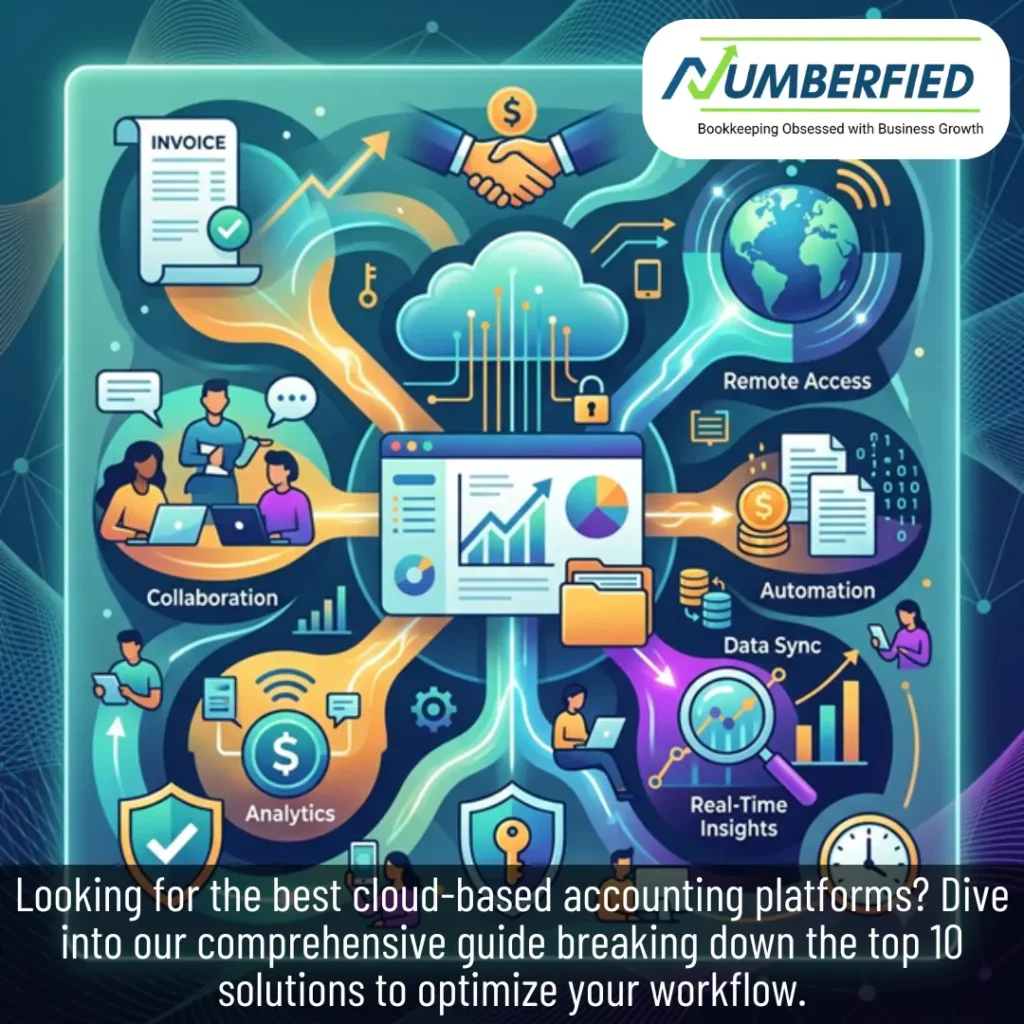
Transitioning your workflows to cloud based accounting means your ledger updates instantly. When a client scans a receipt on their phone, your team sees it in the dashboard a second later. Multiple users- including your offshore bookkeepers, in-house CPAs, and the business owners themselves- can securely log in simultaneously. This level of synchronization turns accounting from a reactive end-of-month chore into a proactive business strategy.
Automation: Banishing Manual Data Entry
The true magic of a cloud ecosystem lies in automation. These platforms securely connect directly to bank feeds, pulling in transactions and matching them against invoices automatically. Features like recurring invoicing, automatic payment reminders, and optical character recognition (OCR) for receipt scanning save your team dozens of hours every week. Instead of typing out numbers, your team spends time analyzing what those numbers actually mean.
Deep Dive: The 10 Best Cloud-Based Accounting Platforms
Choosing the perfect platform for your firm requires matching software capabilities with your specific operational scale. Based on the comprehensive review, here is a detailed breakdown of the top ten platforms dominating the market today.
1. QuickBooks Online: The Uncontested Industry Heavyweight
As the undisputed champion of the market, Intuit’s QuickBooks Online (QBO) serves as the baseline for many growing firms. It balances deep accounting functionality with an accessible interface.
- Standout Features: QBO offers comprehensive accounts payable (AP) and accounts receivable (AR) tracking, deep financial reporting, inventory management, and robust tax categorization tools. It effortlessly handles multi-currency transactions and exports clean tax-ready documents when tax season arrives.
- Integrations: It boasts the largest third-party app ecosystem in the industry, linking with thousands of CRMs, payroll services, and specialized tools.
- Tiered Pricing Structure: QBO scales across four main subscription tiers: Simple Start, Essentials, Plus, and Advanced. This allows micro-businesses to start small and unlock advanced analytical tools as they grow.
2. Xero: The Efficiency and Collaboration Champion
Hailing from New Zealand, Xero was built natively for the cloud from day one. It is highly favored by progressive accounting firms because its user interface feels intuitive and collaborative.
- Standout Features: Xero excels at bank reconciliation, tracking project-based profitability, and capturing bills or receipts instantly via its Hubdoc integration. It also includes “Analytics Plus,” providing short-term cash flow projections and business snapshots.
- Multi-User Access: Unlike legacy systems that charge per seat, Xero encourages collaborative use by allowing unlimited users on accounts, making it a dream for firms working with global, distributed teams.
- Subscription Tiers: It keeps things streamlined with three core plans: Starter, Standard, and Premium.
3. FreshBooks: Built for Freelancers and Solopreneurs
If your firm serves service-based businesses, independent contractors, or freelancers, FreshBooks is often the easiest recommendation to make.
- Standout Features: FreshBooks focuses heavily on invoicing, time tracking, and client communication. Its interface strips away complex accounting jargon, making it incredibly user-friendly for people with zero formal financial training.
- Core Tools: Users can build customized, professional invoices, track billable hours directly against client projects, and manage vendor payments from one dashboard.
- Subscription Tiers: It offers four simple tiers tailored to client volume: Lite, Plus, Premium, and Select.
4. Zoho Books: Comprehensive Small-to-Medium Business Automation
Zoho Books is a stellar cloud-based accounting option, particularly for businesses already embedded in the broader Zoho productivity ecosystem.
- Standout Features: It features a dedicated Client Portal that allows customers to view their estimates, track outstanding invoices, and make direct payments securely. It easily tracks sales orders, records multi-currency transactions, and manages day-to-day vendor bills.
- Subscription Tiers: Zoho Books offers massive flexibility with six distinct tiers: Free, Standard, Professional, Premium, Elite, and Ultimate.
5. Wave Accounting: The Ultimate Zero-Cost Starter Kit
For brand-new startups, service professionals, and micro-businesses, keeping overhead low is critical. Wave provides a highly capable platform without the financial barrier to entry.
- Standout Features: Wave offers its core cloud-based accounting, invoicing, and receipt scanning features completely free of charge, with no monthly subscription fees.
- Monetization Model: They generate revenue through optional add-ons, charging competitive processing fees for credit card payments and bank transfers processed directly through invoices, alongside optional paid payroll modules.
- User Capability: It allows for unlimited concurrent users and multiple currencies, making it a remarkably robust option for bootstrapping businesses.
6. Sage Intacct: Enterprise-Grade Scalability and Cybersecurity
When mid-sized businesses outgrow standard small-business tools, they need an enterprise resource platform that can handle massive transaction volumes and strict compliance guidelines.
- Standout Features: As the only application officially recommended by the AICPA (American Institute of Certified Public Accountants), Sage Intacct offers institutional-grade security. It utilizes advanced artificial intelligence to automate complex workflows and automatically catch errors within the general ledger.
- Compliance Power: It guarantees HIPAA compliance, making it the premier option for healthcare firms, medical practices, and highly regulated industries.
- Custom Pricing: Because it is built for complex, scaling firms, pricing is entirely quote-based and customized to your specific needs.
7. NetSuite: The All-in-One Enterprise ERP Solution
Owned by Oracle, NetSuite is designed for large-scale enterprises or fast-growing mid-market companies that require a unified system for their entire business operations.
- Standout Features: NetSuite goes far beyond simple bookkeeping. It is a full Enterprise Resource Planning (ERP) platform that seamlessly unifies cloud-based accounting with inventory management, e-commerce, CRM systems, and human resources.
- AI-Driven Analytics: It leverages advanced AI to manage complex global tax requirements, optimize accounts payable processes, and streamline multi-subsidiary consolidations.
- Tailored Setup: Access and licensing are structured around tailored corporate packages based on explicit module needs.
8. Kashoo: The Fastest Technical Setup on the Market
Not every business owner wants to spend hours configuring software dashboards. Kashoo caters to those who want to get up and running immediately.
- Standout Features: Kashoo prides itself on having the fastest, most straightforward setup process in the industry. It uses machine learning to automatically categorize transactions from your bank feed the moment you link your accounts.
- Core Strengths: It simplifies invoicing, automates basic bookkeeping tasks, and integrates fluidly with external cloud-based bookkeeping tools.
9. Neat: Tailor-Made for High-Volume Expense Tracking
For businesses that manage countless physical receipts, travel expenses, or retail vendor slips, traditional document management can quickly become a nightmare. Neat solves this specific pain point.
- Standout Features: Neat specializes in deep document processing and receipt management. It pairs clean financial reporting with encrypted cloud storage, giving teams an easy way to drop files, share documents, and collaborate in real time.
- Flat Pricing: Rather than fragmenting its features across multiple confusing tiers, Neat keeps things simple with a single flat-rate pricing plan that unlocks full platform capabilities.
10. SmartVault: Document Workflow and Compliance Spotlight
While not a traditional double-entry bookkeeping ledger, SmartVault is a crucial piece of the cloud-based accounting puzzle that modern firms cannot afford to overlook.
- Standout Features: SmartVault provides an ultra-secure, centralized platform built specifically for storing, sharing, and managing sensitive financial records.
- Firm Optimization: It acts as a digital filing cabinet that plugs directly into your core accounting software, helping firms manage massive document workloads while easily maintaining strict regulatory compliance.
Evaluating Security, Implementation, and Global Staffing
Whenever a firm shifts sensitive financial data off local drives and onto the internet, security and workflow management become paramount concerns.
Bank-Grade Security Measures
A common question persists: Is cloud-based accounting software safe? The answer is a definitive yes, provided you select reputable platforms. Enterprise-grade tools protect data using advanced end-to-end encryption protocols- the exact same security standards leveraged by global banking institutions. Furthermore, automatic data backups protect your business against local physical threats like fire, hardware theft, or office flooding.
Overcoming the Industry Capacity Crunch
Finding the right cloud tools is only half the battle. The global accounting industry is currently grappling with a severe talent shortage and capacity crunch. To maintain profitability and manage heavier workloads, forward-thinking firm owners are combining their cloud-based accounting tools with strategic global talent outsourcing.
As highlighted in the data from TOA Global, integrating highly trained offshore bookkeepers and accountants into a cloud-based ecosystem allows firms to scale their capacity instantly. This strategic combination gives your firm the administrative support required to escape the talent crisis, secure client data, and keep operations running efficiently around the clock.
Conclusion
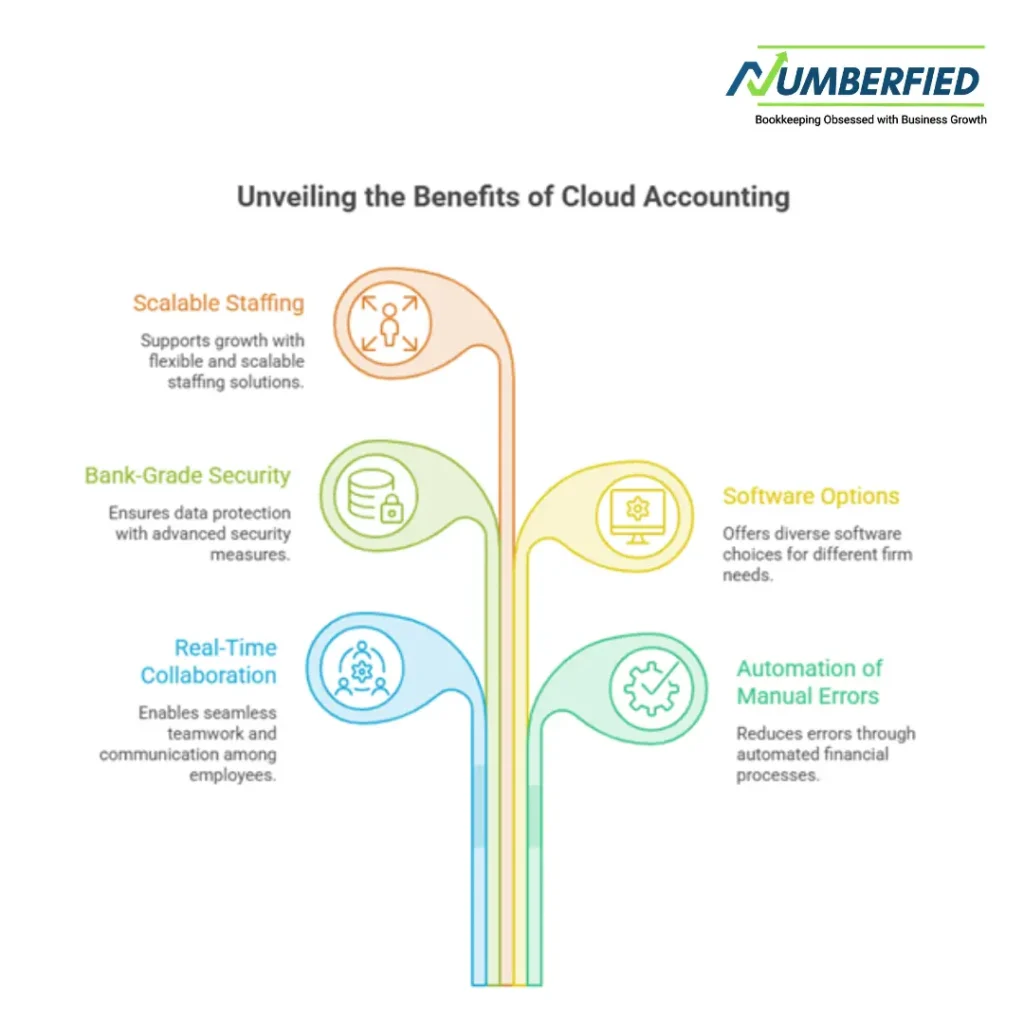
Embracing cloud-based accounting is no longer a luxury reserved for tech startups; it is an absolute necessity for any firm aiming to stay competitive. Moving your operations to the cloud unlocks real-time collaboration, eliminates manual errors via automation, and protects your clients’ data with bank-grade security.
Whether you choose the expansive ecosystem of QuickBooks Online, the fluid collaboration of Xero, or the enterprise strength of Sage Intacct, the right software will transform your financial workflows. By pairing these digital tools with scalable staffing solutions, your firm will build an efficient, secure foundation poised for long-term growth.
Read Also: The Future of Finance: Why Cloud-Based Accounting is Non-Negotiable
Frequently Asked Questions (FAQs)
What exactly is cloud-based accounting software?
It is a financial management platform where data and software programs are hosted on secure remote servers rather than your local computer’s hard drive. Users log in securely via web browsers or mobile apps, ensuring data stays updated in real time across all connected devices.
Can I access cloud accounting data while offline?
Most platforms require an active internet connection to update data, sync bank feeds, and process invoices. However, many apps allow you to view downloaded reports, prepare drafts, or check cached customer data while offline, syncing your changes automatically once your connection returns.
How does cloud software simplify tax preparation?
The software automatically tracks, categorizes, and logs your business expenses into appropriate tax brackets throughout the year. When tax season arrives, you can generate clean, accurate financial statements and export tax-ready documents with a single click, or invite your accountant directly into the platform to review your numbers.
Is my data vulnerable if my computer gets a virus?
Because your financial data lives on highly secure, external cloud servers rather than your physical machine, a local computer virus or hardware crash will not corrupt or destroy your financial records. You can simply log in from a secure device to regain full access to your data.
What is the main difference between QuickBooks Online and Xero?
QuickBooks Online features an expansive third-party application network and deeply detailed inventory tools, making it an excellent fit for complex business models. Xero emphasizes a highly collaborative layout, allows unlimited user access on its accounts, and features a clean user interface built around daily workflows.
Can I switch from a legacy desktop system to a cloud platform?
Yes. Most major cloud platforms include data migration tools designed to import chart of accounts, historical vendor data, customer records, and ledger balances directly from legacy desktop files like QuickBooks Desktop or Excel spreadsheets.
Do these platforms support automatic credit card payments?
Yes. Platforms like Wave, FreshBooks, and QuickBooks Online integrate directly with built-in or third-party payment processing gateways. This allows you to include direct “Pay Now” links on your digital invoices, enabling clients to clear balances instantly via credit card or ACH transfer.
What does “bank feed integration” mean?
This is a secure connection established between your business bank accounts and your accounting software. The platform automatically pulls daily transaction records from your bank, allowing your team to instantly match expenses against outstanding receipts without manual data entry.
Why is Sage Intacct recommended for healthcare or medical firms?
Sage Intacct provides advanced cybersecurity frameworks that guarantee full HIPAA compliance. This ensures that patient data and medical practice financials are handled according to strict federal privacy and security standards.
How does offshore staffing integrate with cloud software?
Cloud platforms provide secure, role-based permissions, allowing you to grant access to outsourced team members instantly. Offshore professionals can handle time-consuming tasks like daily data reconciliation, AP tracking, and document management directly inside your system, scaling your operational capacity without requiring local office space.